
T299 Mobile App — A new gaming experience in Bangladesh
Smartphones are now our primary source of entertainment. From Facebook to shopping, banking to gaming — everything happens on mobile. With that reality in mind, t299 built its mobile app specifically for users in Bangladesh. Whether you're on a mid-range Android or a high-end iPhone, the t299 app runs smoothly on every device.
You might be wondering — "Why download another app when I can just play in my browser?" Fair point. But once you install the t299 app, you'll notice the difference yourself. Faster load times, a cleaner interface, and push notifications that alert you to new bonuses and promotions the moment they go live. You also stay logged in, so there's no need to re-enter your password every time.
Key advantages of the t299 app
The t299 app has a dedicated push notification system that the web version doesn't offer. This means any new promotion or winning update reaches your phone instantly.
One feature users really appreciate is the t299 app's offline mode. Even with a weak connection, the app won't crash — it holds your session and resumes normally once connectivity is restored. In Bangladesh, where mobile network quality can vary, this feature makes a real difference.

How to download and install the t299 Android app
Many Android users assume installing an APK outside the official store is complicated. With t299, the entire process takes about three minutes. Follow the steps below.
First, go to Settings on your Android phone and enable "Allow installation from unknown sources" under the "Security" or "Privacy" section. This is a one-time setup. Then visit the official t299 website and download the APK file from the download page. Once the download is complete, tap the notification in your notification bar or locate the file through your file manager. Tap "Install" and you're done.
Ensure a Safe Download
Always download the APK from the official t299 website. Downloading from third-party sites or Telegram channels is not safe — those sources may contain viruses or malware.
Once installation is complete, the t299 app will appear on your home screen or app drawer. Open it for the first time and log in with your existing account — or register on the spot if you're new. The entire process is handled within the app, no need to go anywhere else.
T299 iOS App — for iPhone and iPad users
IPhone users can download the t299 app directly from the App Store. Search for "t299" or use the App Store link on t299's official website. The app supports iOS 12 and above, and the interface automatically adapts to all screen sizes — from iPad Pro to iPhone SE.
The t299 app supports Face ID and Touch ID for iOS users. Once set up, you can log in in under a second — no need to remember passwords or type them in every time.
A tip for iOS users
When searching for t299 on the App Store, try "t299 pro" or "t299 gaming" to find it faster. After downloading, make sure you are installing the official verified app.

What games can you play on the t299 app
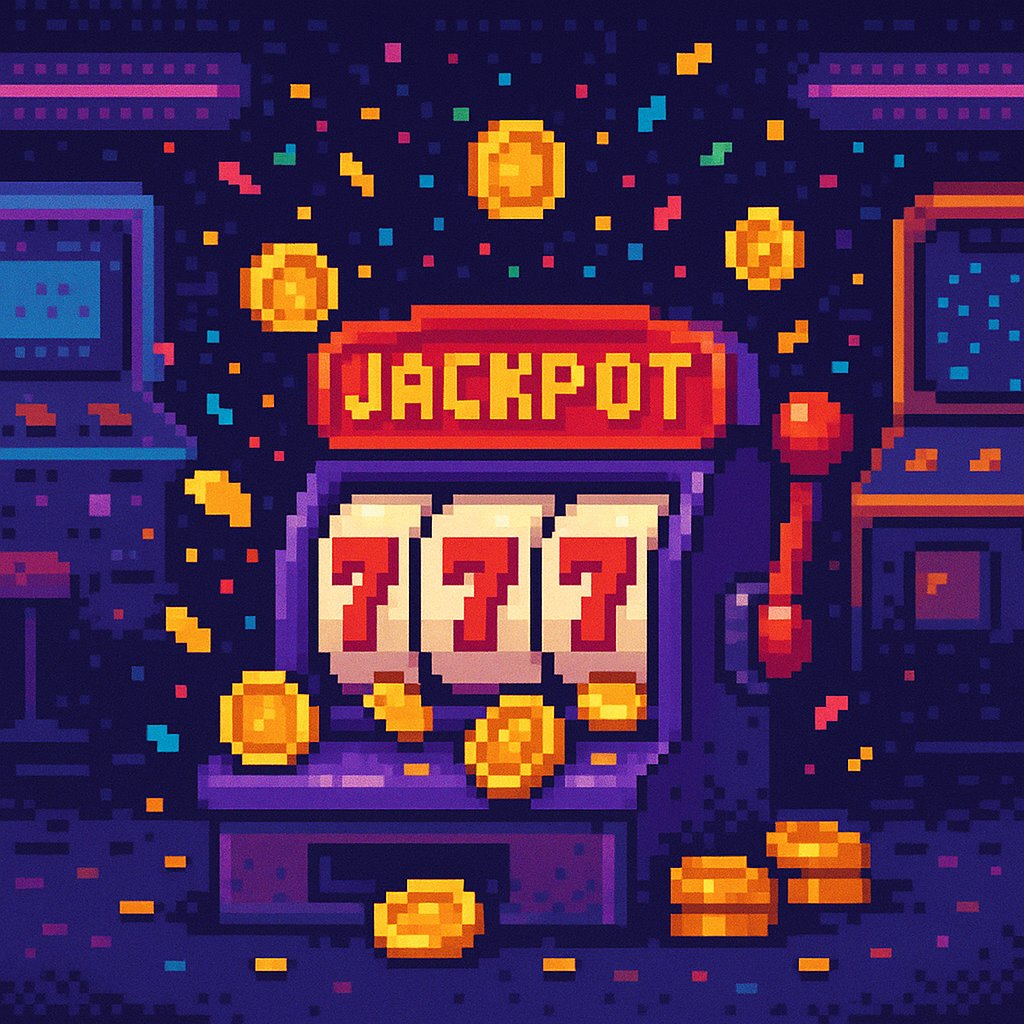
The t299 app is more than just a gaming app — it's a full gaming platform. Inside the app you'll find Sports Betting, Live Casino, fish games, bingo, and much more. Each category has its own tab, so finding your favourite game is always quick and easy.
In the Sports Betting section, you'll find live updates for cricket, football, kabaddi, and various other sporting events from around the world. Live odds are available while matches are in progress, and in-play betting is also supported. The casino section features live dealer card games and roulette for a truly cinematic experience. The Fish Game section is hugely popular among Bangladeshi users, especially younger players.
Games load faster on the t299 app because its smart caching system pre-stores most game resources locally. This means only new data needs to be fetched each time — saving mobile data and delivering a smoother overall experience.
Why keeping the t299 app updated matters
T299 regularly updates its app to add new features and fix existing issues. Android users can go to Settings → Check for Updates inside the app to update to the latest version directly. For iOS users, the App Store handles updates automatically if auto-update is enabled.
Running an older version may sometimes cause certain games to malfunction or prevent new promotions from appearing. It's a good habit to check for updates every two to three weeks. t299 typically releases one major update per month, along with smaller patch updates as needed.
All things considered, the t299 app has carved out a distinct place in Bangladesh's mobile gaming market. A lightweight build, fast performance, Bangla interface support, and intuitive navigation — these four qualities make t299 the go-to choice for many users. Download it once and you'll see the difference for yourself.
Official App
Only download the official t299 app from t299.pro or the App Store. Do not download it from any third-party source.
New User Bonus
Download the t299 app and register for the first time to claim a special welcome bonus. Get started today.